Sfoglia categorie
Esplora
Fiverr Pro
Italiano
$
USD
Expert Web Designer, CRM Automation and Zoho HubSpot Specialist
Your CRM isn't broken because Zoho is bad. It's broken because automation without logic creates expensive confusion.
Most businesses discover this after a Deluge script fails, workflows stop running, or leads stop moving through the pipeline. One small error can quietly cost sales and waste hours every week.
I'm very much familiar with this;
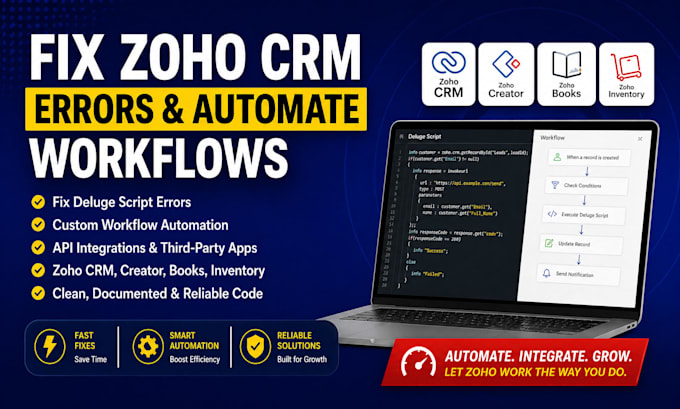
I help businesses fix Zoho CRM errors, debug Deluge scripts, and build automations that actually support growth instead of creating more problems.
Whether you need a failing workflow repaired, a custom function fixed, or a third-party integration connected properly, I build clean and reliable solutions that work long term.
I work with Zoho CRM, Creator, Books, and Inventory to create automations tailored to your business, not generic templates copied online.
What I can help you with:
Majority focus only on code. I focus on the business logic behind it so your system keeps working as your business grows.
Order or Contact Us Now!!!



Software:
zoho
Settore:
Analisi dei dati
•
Medico e farmaceutico
•
Benessere
Can you fix my existing Zoho script or workflow?
Yes. I specialize in debugging Zoho Deluge scripts and workflows. Simply share the error message or problematic code, and I’ll locate and fix the issue. If it’s a “Script Error” or data mismatch, I’ll correct the logic so it works reliably.
What Zoho apps and integrations can you work with?
I can work with all major Zoho apps (CRM, Creator, Books, Inventory, Recruit, Forms, Desk, Campaigns, etc.) and connect them via Deluge. I also handle third-party APIs – e.g. Shopify, WhatsApp, payment gateways, Google Suite, Zapier.
How do we start the project? What do you need from me?
First, contact me with details of your Zoho issue or goal. I’ll ask for: (a) a clear description of the error or desired automation, (b) screenshots or error logs if possible, (c) access to your Zoho environment (developer or sandbox account), and (d) any relevant API keys/credentials.
How long will it take?
Simple fixes (Basic package) typically finish in 1-2 days. Moderate tasks (Standard) take ~4 days, and complex automations (Premium) up to 7–10 days. Exact timing depends on project scope. I always aim to deliver on or before the deadline and provide status updates along the way.
What if I need changes after delivery?
Each package includes revisions (Basic:1, Standard:2, Premium:3). If something needs tweaking, just let me know and I’ll adjust promptly. My goal is your complete satisfaction – as long as it’s within the project scope, I’ll make sure the solution works perfectly for your business.
Do you provide training or documentation?
Yes. I’ll explain the changes and deliver simple documentation (or even a quick training video if needed) so your team can manage the new automations. Zoho’s scripting can be complex, but I keep solutions user-friendly.