Sfoglia categorie
Esplora
Fiverr Pro
Italiano
$
USD
Professional Live Streaming And OBS Systems
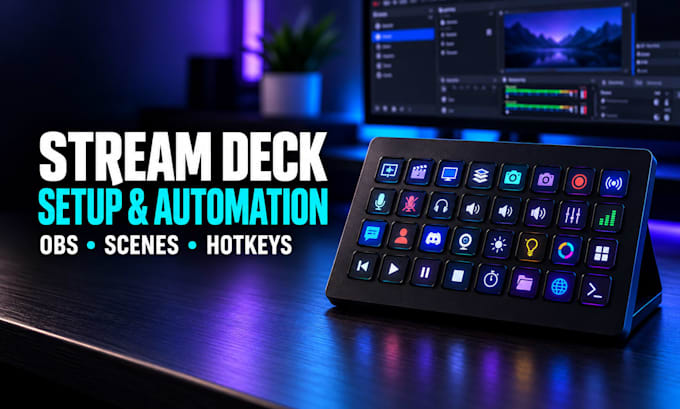
Stream Deck buttons not working, OBS scenes failing to switch, or tired of managing your livestream manually?
I will professionally set up, fix, and optimize your Elgato Stream Deck for faster, smoother streaming and content creation.
Whether you use Stream Deck MK.2, XL, Mini, or a compatible model, I'll configure your controls to match your workflow.
What I can help you with:
Why choose my service?
I focus on practical automation, dependable controls, and easy-to-use layouts tailored to your equipment.
Message me before ordering with your Stream Deck model, software, and the actions you want to automate.
Software:
OBS Studio
Piattaforma:
•
Twitch
•
YouTube
•
Mixer
•
Dlive
•
BigoLive
•
Kick
Scopo:
Gaming
•
Musica
•
Lifestyle
•
Business
•
News
•
Streamshare
1. Can you fix Stream Deck buttons that don't work in OBS?
Yes. I'll check the Stream Deck application, OBS connection, plugins, hotkeys, and scene assignments. I can troubleshoot common communication and configuration issues, then test the agreed actions to help ensure your controls work reliably.
2. Can you set up Stream Deck XL, MK.2 and Mini?
Yes. I can configure supported Stream Deck models, including XL, MK.2 and Mini. I'll organize the available keys, folders, profiles, and compatible actions around your device, streaming software, and preferred production workflow.
3. Can you create multi-actions and automatic scene switching?
Yes. I can configure supported multi-actions, hotkeys, and automation workflows, such as switching scenes, muting microphones, changing sources, and starting recordings. Available functions depend on your software and plugins.
4. Can you add soundboards and audio controls?
Yes. I can configure soundboard playback, volume controls, microphone mute actions, and compatible integrations with OBS, Wave Link, or other audio tools. Please share your current audio equipment so I can check compatibility.
5. Do I need to own a Stream Deck before ordering?
For a physical Stream Deck setup, yes. Please have your device connected and the relevant software installed or ready to install. If you're using Stream Deck Mobile, contact me first so I can confirm the features your setup supports.
