Sfoglia categorie
Esplora
Fiverr Pro
Italiano
$
USD



Stop debugging Docker files.
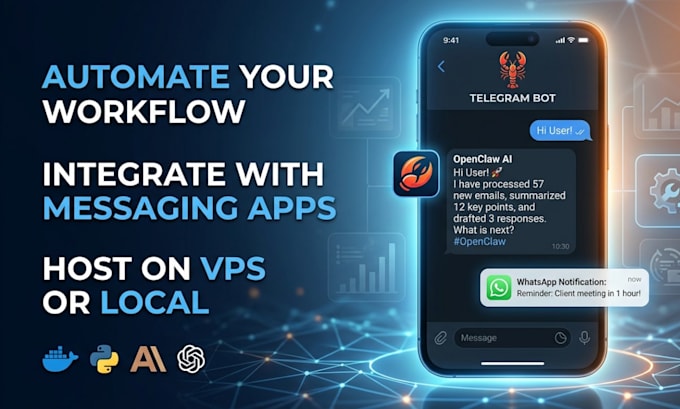
Get your own private OpenClaw AI employee running 24/7.
What I Offer:
Why Choose Me?
3+ years of experience in AI automation and server management.
I ensure a clean, optimized, and error-free installation.
MESSAGE me now to GET STARTED!!
Operations Specialist CRM Automation and Account Management
Lingue
What is Openclaw?
OpenClaw is a personal AI assistant you run locally on your own machine or a private server. Unlike most AI, it doesn’t just live in a browser; it connects to your messaging apps like WhatsApp, Telegram, or Discord. You can text it a command, and it will go into your files, check your calendar, or e
Which AI models can I use with this setup?
It is model-agnostic! You can use Claude 3.5 Sonnet, GPT-4o, or even free local models via Ollama. You just need your own API key.
Do I need to keep my computer on 24/7 for OpenClaw to work?
Not if we use the VPS (Virtual Private Server) setup. I will host it on a cloud server (like DigitalOcean or AWS) so your assistant stays active even when your PC is off.
Is it safe to give my assistant access to my files and apps?
I prioritize security by setting up UFW firewalls and SSH keys. I also recommend running OpenClaw in a "sandbox" to ensure it only accesses what you allow.
Can OpenClaw really send me messages on WhatsApp?
Yes! Using the messaging integration, your assistant will proactively text you briefings, reminders, or task updates directly to your phone.