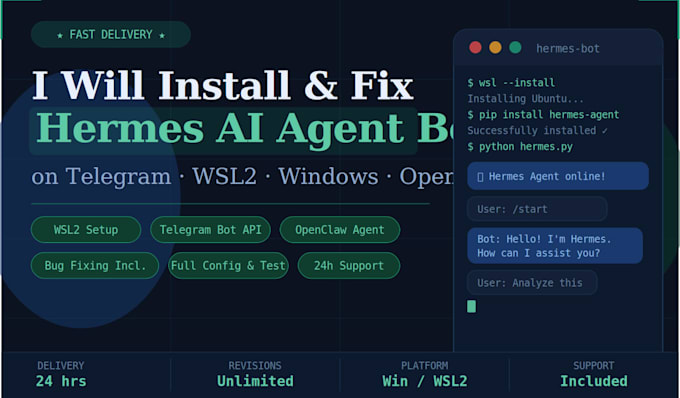
Are you trying to run the Hermes AI agent Telegram bot on Windows with WSL2 but hitting errors, broken installs, or confusing setup steps? You're in the right place.
I specialize in Installing, setting up, and fixing Hermes AI agent bots with OpenClaw integration on Windows environments using WSL2 (Windows Subsystem for Linux 2) so your bot is running and talking on Telegram fast.
What I will do for you:
- Install and configure WSL2 on your Windows machine (Ubuntu/Debian)
- Install Hermes AI agent and all required Python dependencies
- Set up your Telegram Bot API token and connect it to the agent
- Configure OpenClaw Hermes agent settings for your use case
- Fix any errors dependency conflicts, Python issues, config errors, token errors
- Test your bot live on Telegram before delivery
- Set up your .env file and config.yaml properly
- Provide clear instructions so you can run it yourself after
I can fix these common errors:
- ModuleNotFoundError / dependency hell
- WSL2 not starting or networking issues
- Telegram bot not responding
- OpenClaw agent crashing or not connecting
- Python version conflicts (3.10 / 3.11 / 3.12)
- API key / token misconfiguration
- Telegram bot created but completely silent