Sfoglia categorie
Esplora
Fiverr Pro
Italiano
$
USD


Traduzione automatica.
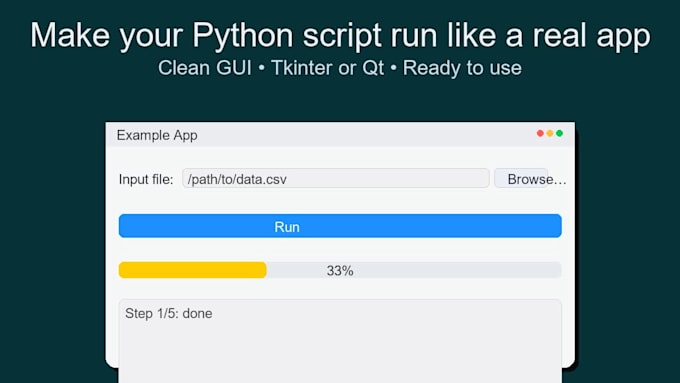
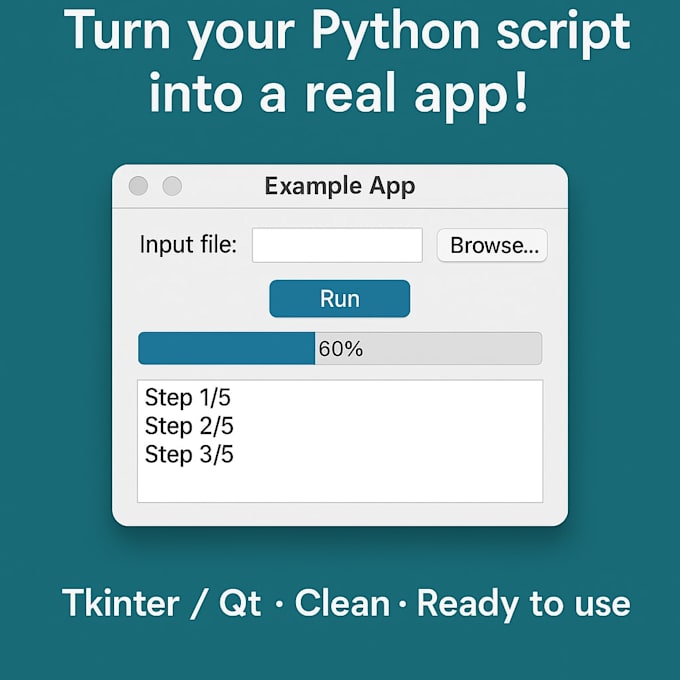
Hai uno script Python utile che vuoi trasformare in una semplice app?
Creerò una interfaccia desktop pulita e minimalista usando Tkinter o Qt (PySide6/PyQt6), così potrai eseguire il tuo strumento facilmente senza aprire un terminale.
Ciò che otterrai:
Ideale per:
Perché scegliermi:
Contattami prima di ordinare così posso aiutarti a scegliere tra Tkinter o Qt e definire il miglior flusso per la tua app!
Encoder Suite Video Optimization Format Conversion Expert
Lingue
Traduzione automatica.
Traduzione automatica.
Tkinter o Qt — quale dovrei scegliere?
Tkinter è leggero e nativo di Python, ottimo per strumenti semplici. Qt ha un aspetto più moderno e supporta layout complessi.
Otterrò un file .exe?
Sì — per i pacchetti Standard e Premium includo il packaging con PyInstaller per Windows.
Puoi farlo funzionare anche su macOS o Linux?
Assolutamente! Basta indicarmi il sistema operativo di destinazione — posso fare il packaging e testare su più sistemi se necessario.
Fornisci il codice sorgente?
Certo. Riceverai sempre l'intero progetto Python, ben strutturato e commentato.
Posso espandere la GUI in futuro?
Sì. Il progetto includerà una struttura modulare delle cartelle e brevi note su come aggiungere nuove finestre o azioni.